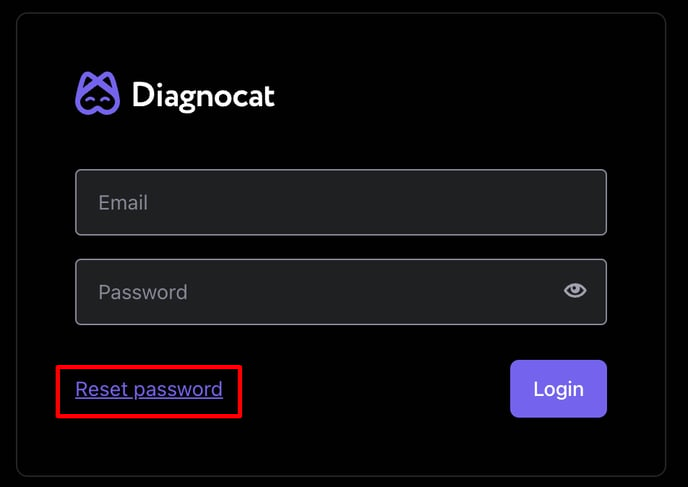
Change or reset your password To change or reset password, you need to follow these steps: 1. On the Diagnocat login page, click on "Reset password" 2. In the window that opens, enter the email address which is connected with your Diagnocat account. 3. You will receive an email with a link to change your password.